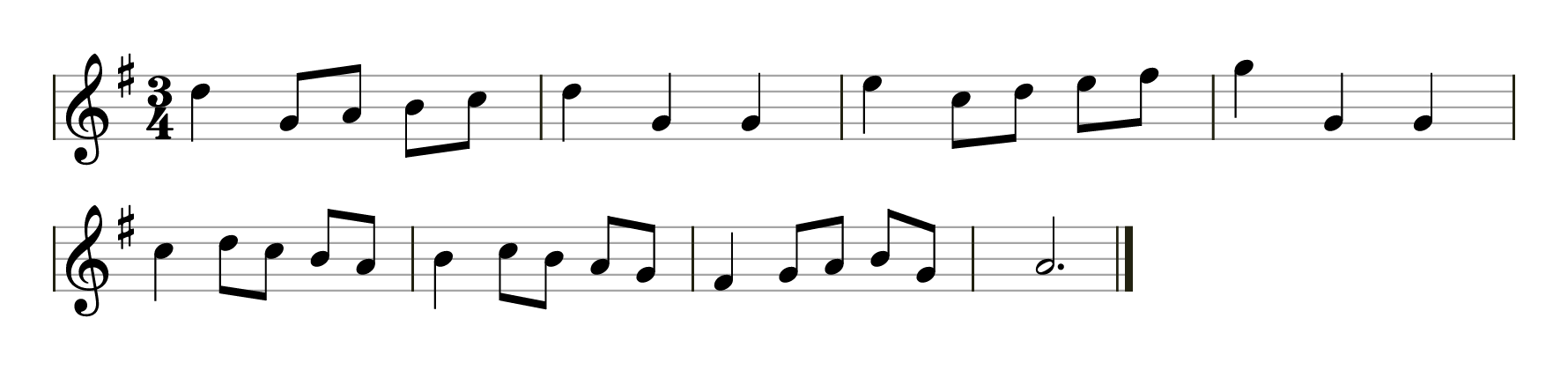
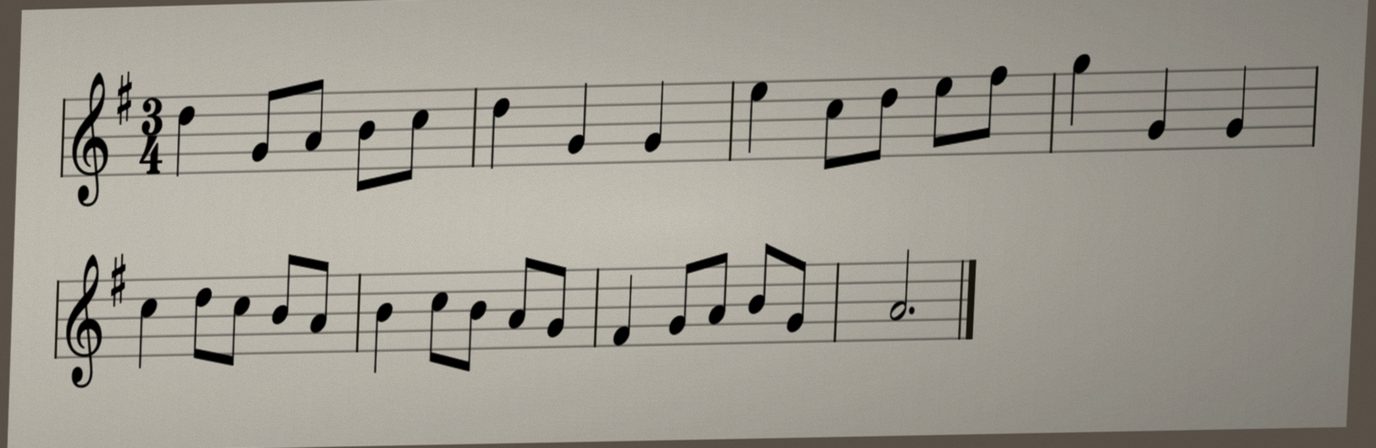
Photos from a book, a stand or a handout
Bound books are the hardest: the page curves towards the spine and the inner staves bend. Press the book flat, or photograph one page at a time with the phone held over its centre. A sheet on a music stand works if you stand square in front of it, not from the side. Glossy handouts reflect lamps, so turn the page until the glare is off the music. Fit one piece per photo; two short songs on one page are better shot separately.
Several photos of one piece
A piece longer than one page? Add the photos one after another, in order: each photo is converted as a page and you can play and download each result. For a long score you scanned at home, saving the pages as one PDF and using the PDF to MusicXML converter keeps everything in a single file.
Why use a photo instead of a scanner
A phone camera today resolves noteheads and staff lines as well as a flatbed scanner, as long as the light is even and the photo is sharp. It is quicker, works in a rehearsal room or a library, and the result can wait in your account until you are back at your computer. Prefer to hear it first? The converted photo plays in the browser right away, and you can turn it into a MIDI file for practice.